Understanding Your Partner Portal Access
Last updated: October 2, 2026
If you're a reseller or channel partner working with a vendor that uses Capchase, you now get your own Capchase account. From there, you can review approved buyer terms, put together a proposal, and send your customer a payment link — all without needing anyone at the vendor or at Capchase to do it for you. This article walks through how it works.
Why This Matters
Previously, once your customer (the buyer) was approved for financing, you had to email the vendor or Capchase and wait for someone to manually put the deal together. Now you can do it yourself, right when you're ready:
See the credit terms your customer was approved for
Price the deal using your vendor's rate card
Generate a proposal for your customer
Send the payment link directly
How It Works
1. Getting Invited
Your vendor's sales rep will add you as the partner contact on a customer (buyer) they've submitted for financing. You'll get an email invite once that customer is approved — or right away if the customer was already approved before you were added.
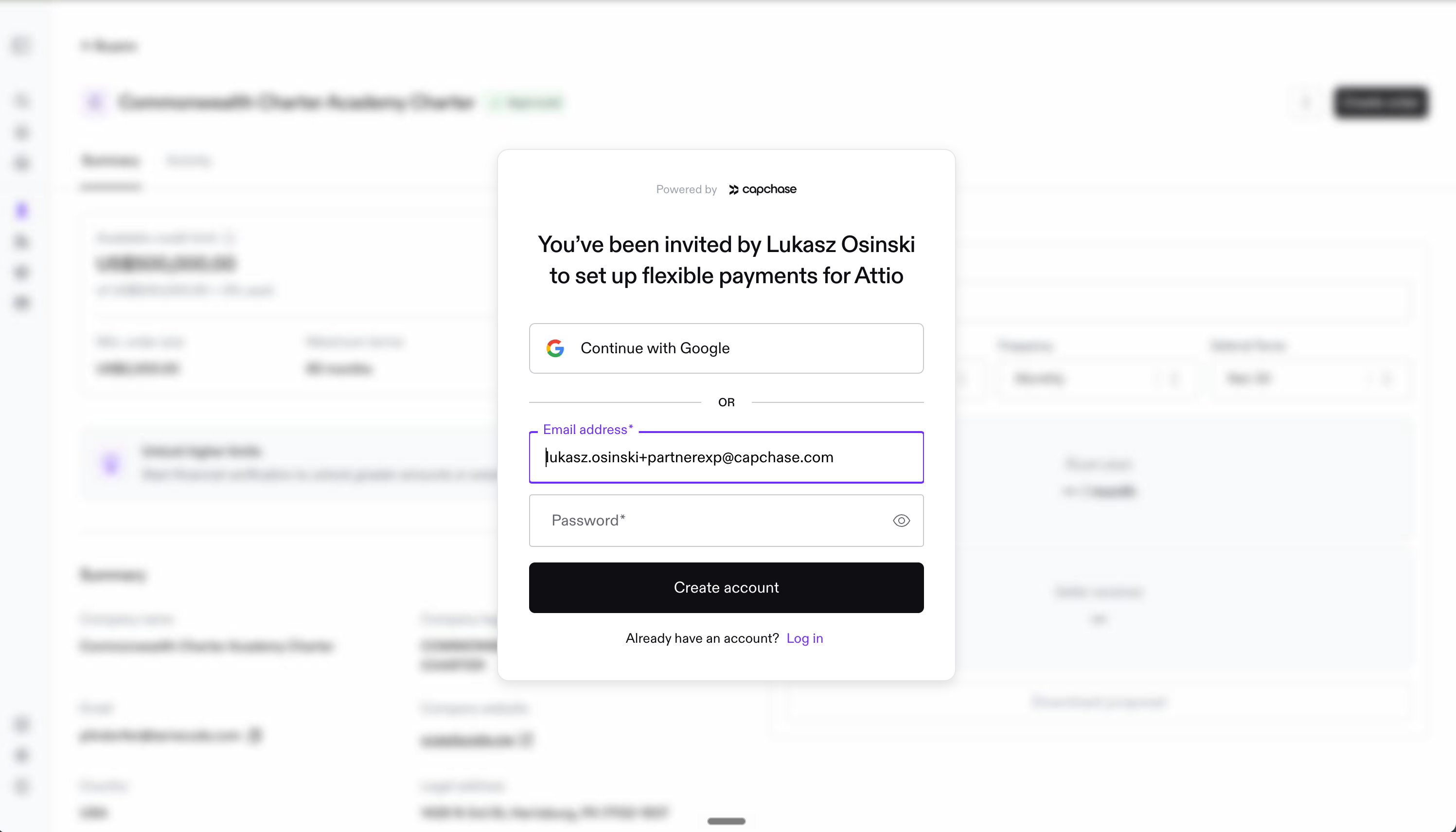
If you're new to Capchase, the invite will ask you to create an account and confirm your name.
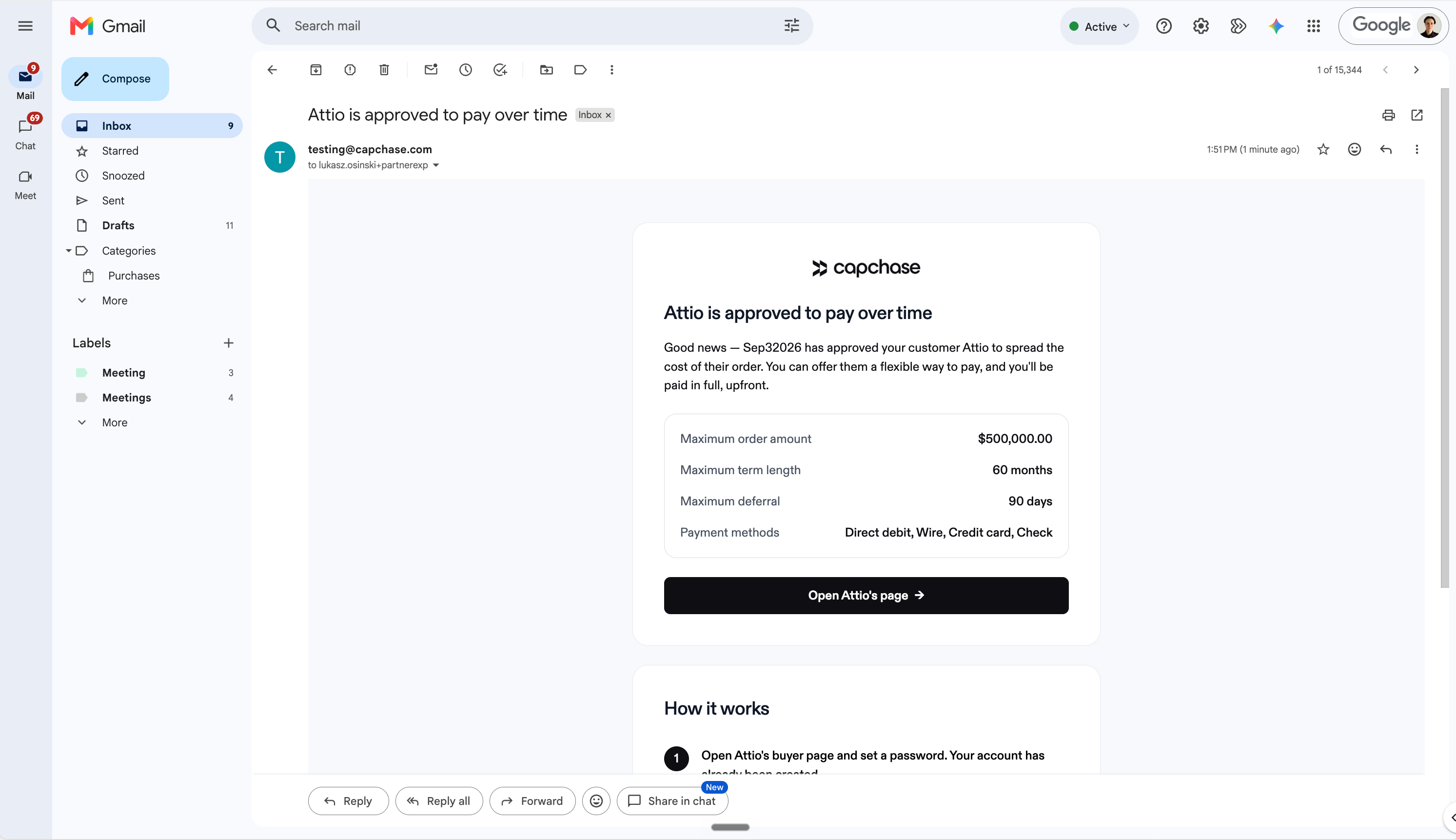
If you already have a Capchase account, you'll just be notified and can log in as usual.
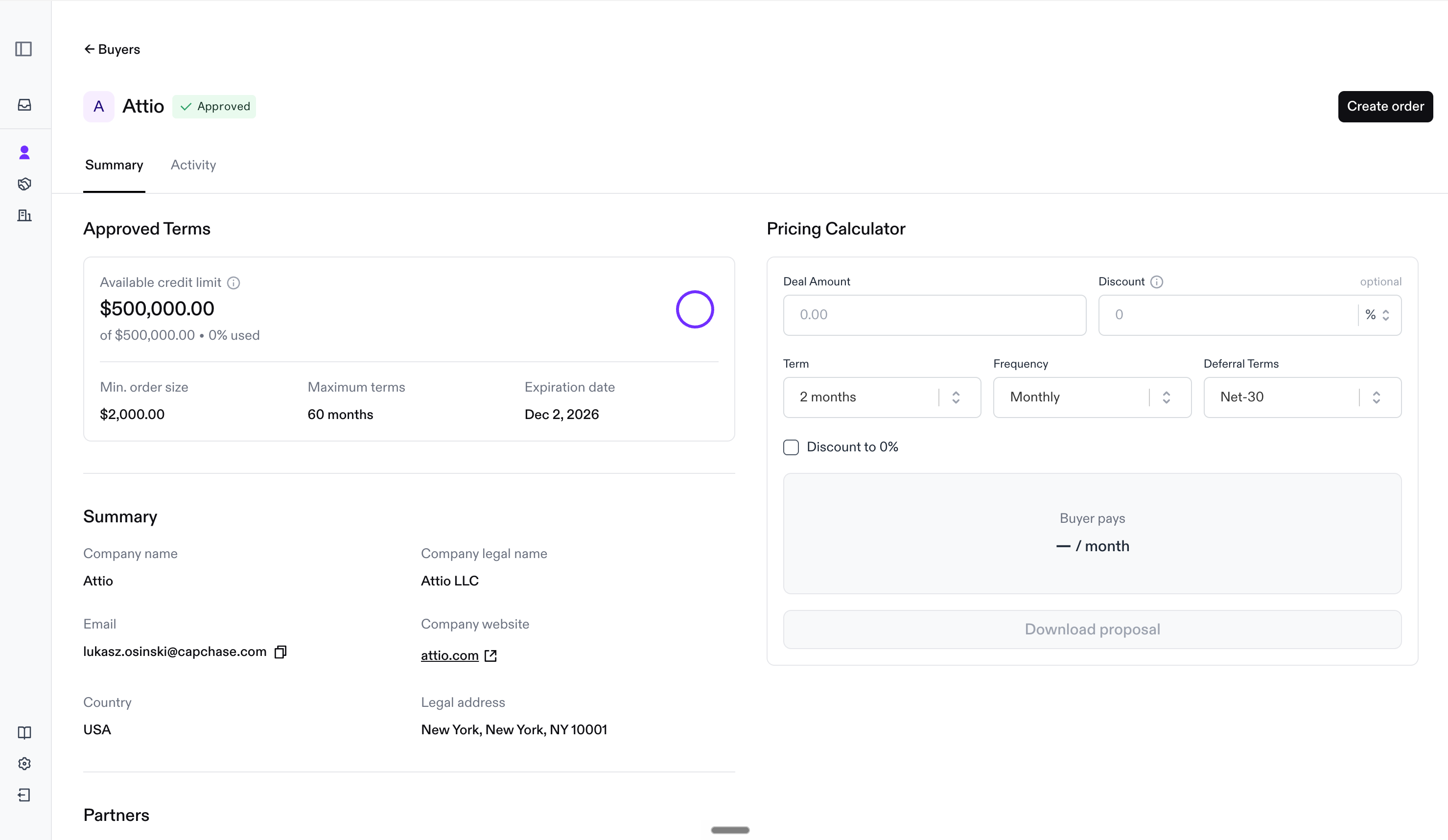
2. Reviewing Your Customer's Terms
Once you're in, you'll see the customer (buyer) you've been assigned to, along with the payment terms they were approved for. This is the same information your vendor sees — you don't need to ask them for it separately.
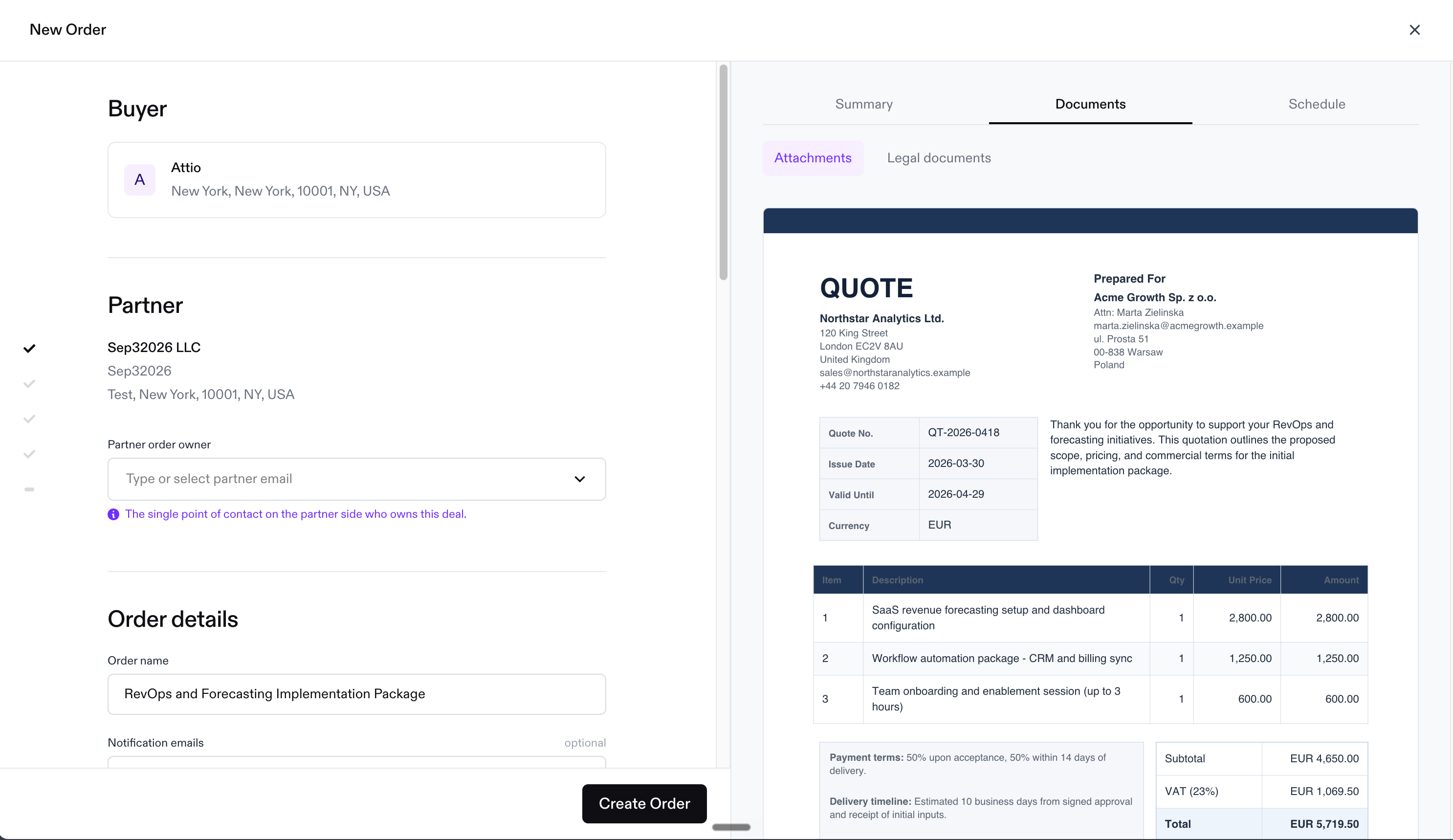
3. Creating a Proposal or Order
From your dashboard, you can:
Generate a proposal PDF to share with your customer
Create the order yourself — either by uploading a quote or entering the details manually
Download the proposal to send however you'd like
4. Sending the Payment Link
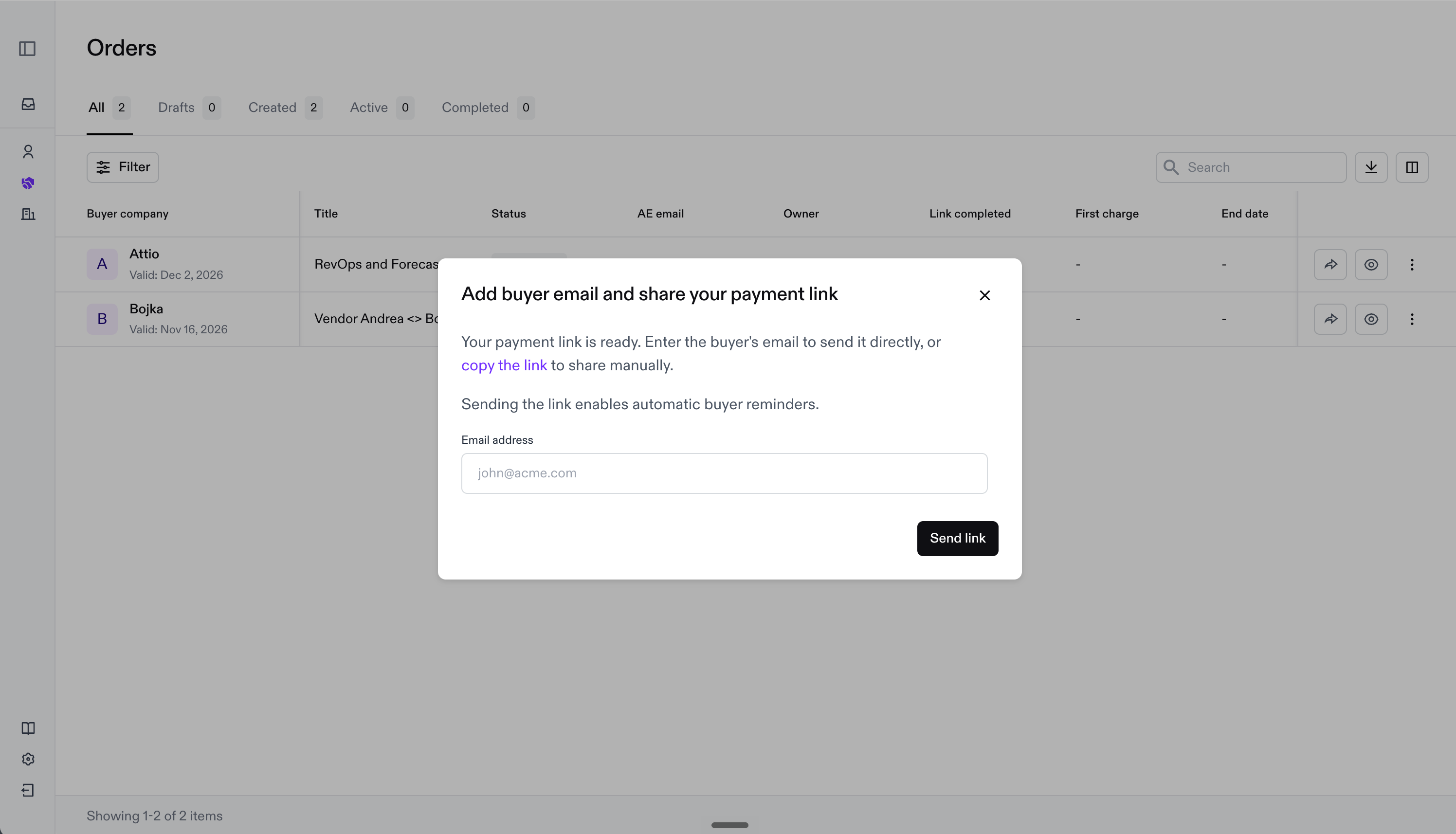
Once the order is ready, you can send the payment link straight to your customer. They'll get the same simple payment experience as any other Capchase customer.
5. Tracking Your Deals
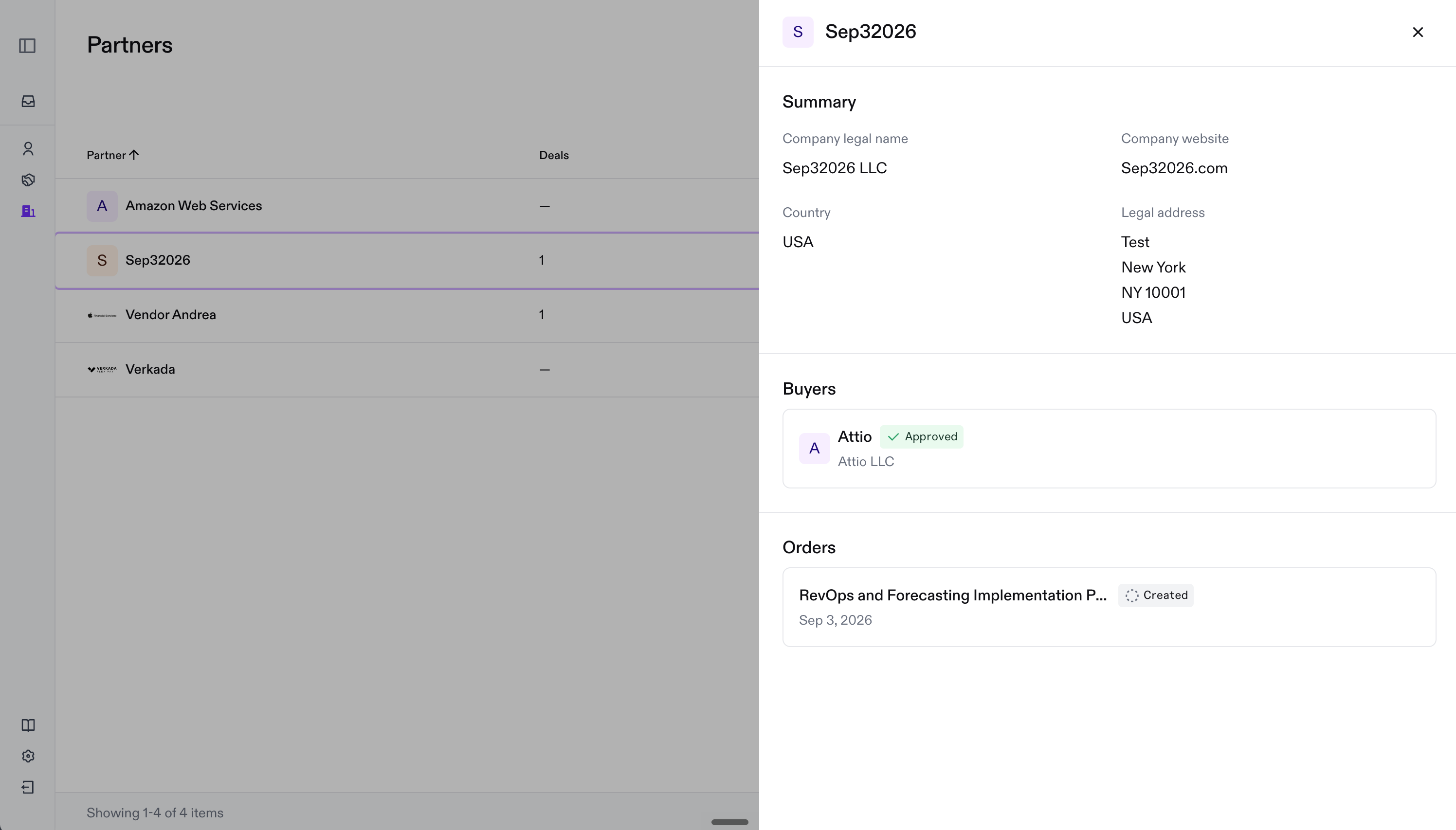
If you work with more than one vendor through Capchase, you'll see all of them listed together in one place, so you can keep track of every customer and order assigned to you — no matter which vendor it's from.
Once you complete your first order, you may see an option to talk with the Capchase team about funding deals on your own terms in the future. That's optional — reach out only if you're interested.
Here are some useful articles:
If you have any questions, don't hesitate to reach out to us at support@capchase.com.