My company details
Last updated: April 27, 2026
You can check the details of your business in Capchase by going to 'Settings' > 'Company information'. In this page, you will find the legal name, address, website, and phone numbers used at the time of registration.
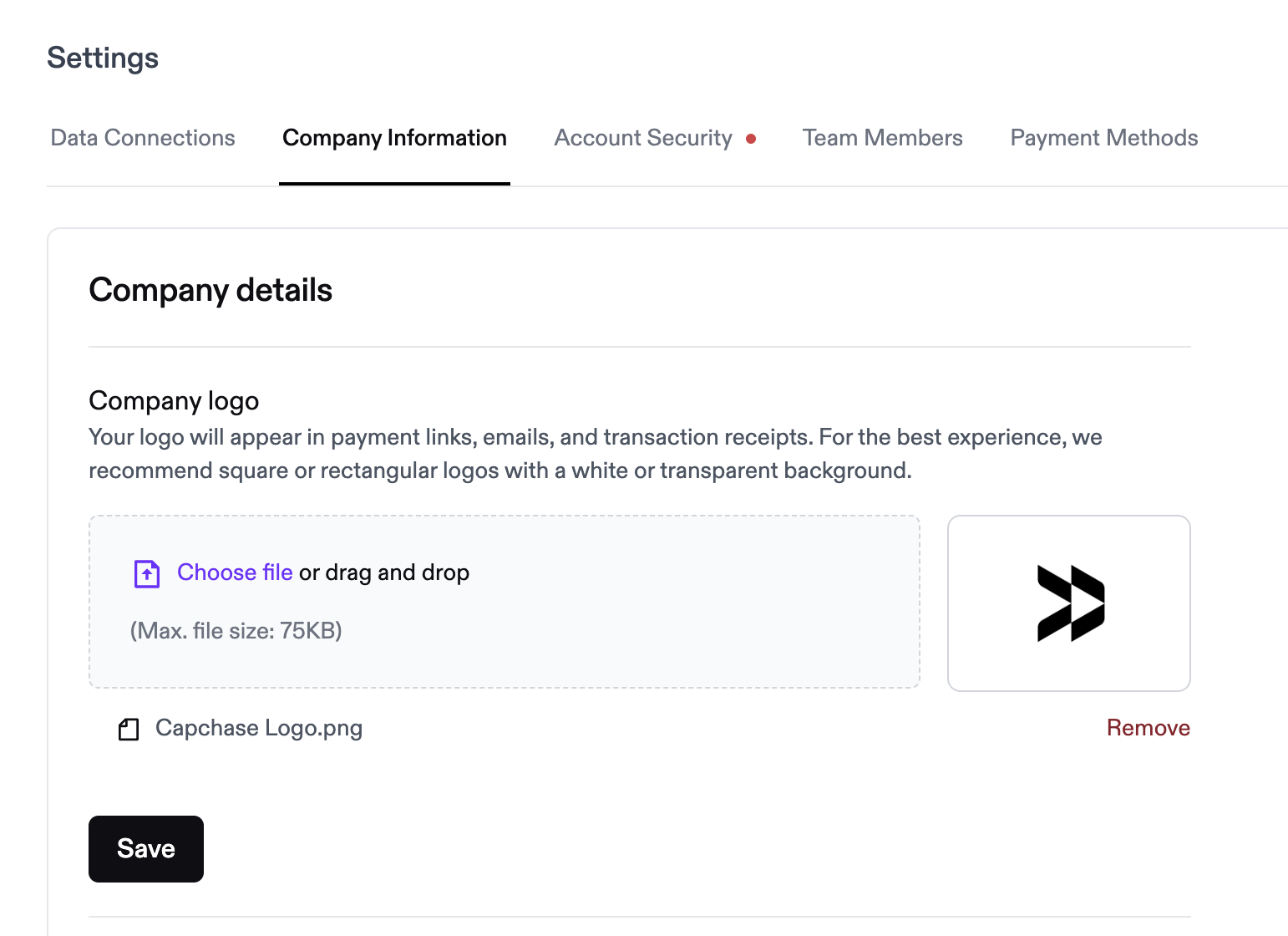
Uploading your company's logo
To include your company's logo in the documents sent to your buyers, you can upload the image by choosing the file and saving it. To replace the image, choose a new file and save it again.
Updating my company details
To update your company details, please reach out to Capchase Support. Provide clear information about the changes you want to make and the reasons for them. A support team member will guide you through the process. Depending on your request, you may need to submit documents verifying changes to your legal name and address.
If you have any questions, please don't hesitate to reach out to us at support@capchase.com.