How do I confirm whether a payment has been received and when it will be transferred?
Last updated: June 8, 2026
Context
Vendors, lenders, or financing partners may need to confirm whether a customer payment has been received by Capchase/Vartana, and when those funds will be transferred or remitted to the appropriate party.
Checking a buyer's payments
For some Vendors, it is required that the buyer's first payment be collected before the credit is processed. You can check the status of the buyer's first payment directly in the App, by going to Orders > Starts soon and checking on the respective order's line. The first payment will show as processing while it has not been completed. Once the first debit is collected, you can start to track the credit.

Checking on your credit
Once the buyer's first payment is made, the credit will begin processing. You can check their status directly on your Home page in the App, filtering by recently sent and upcoming credits.
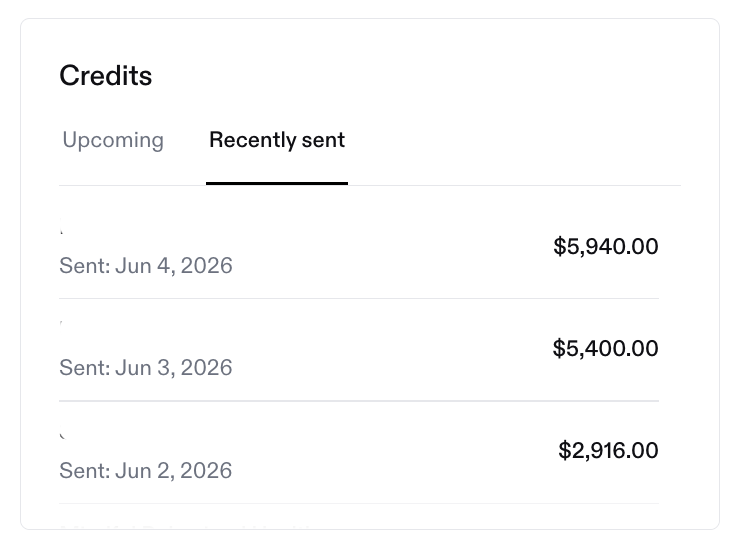
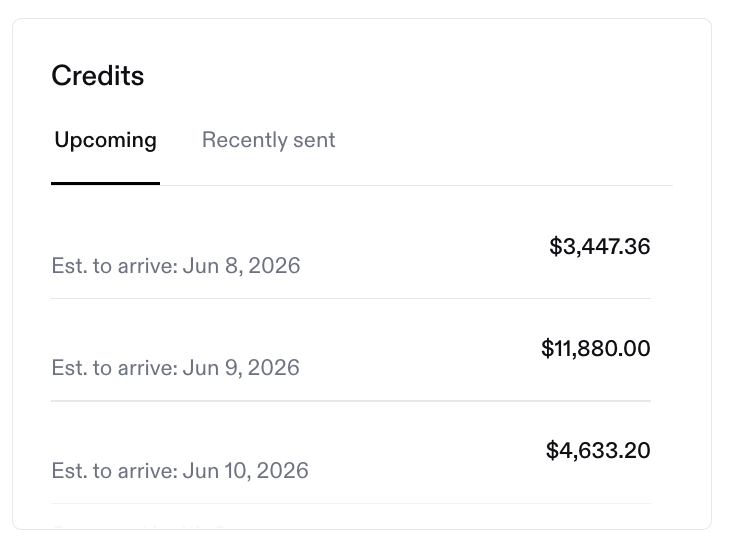
If you have more specific questions, don't hesitate to reach out to our team. Please include the following information to help the team locate the payment quickly:
Buyer Name
Service name (if a buyer has more than one deal funded with Capchase)
Payment amount and expected payment date
That will help our team find the details of your funding more quickly.
You can see more details about the payment processing steps in this article.
For inquiries, please send us a message at support@capchase.com