Changing my password
Last updated: May 8, 2026
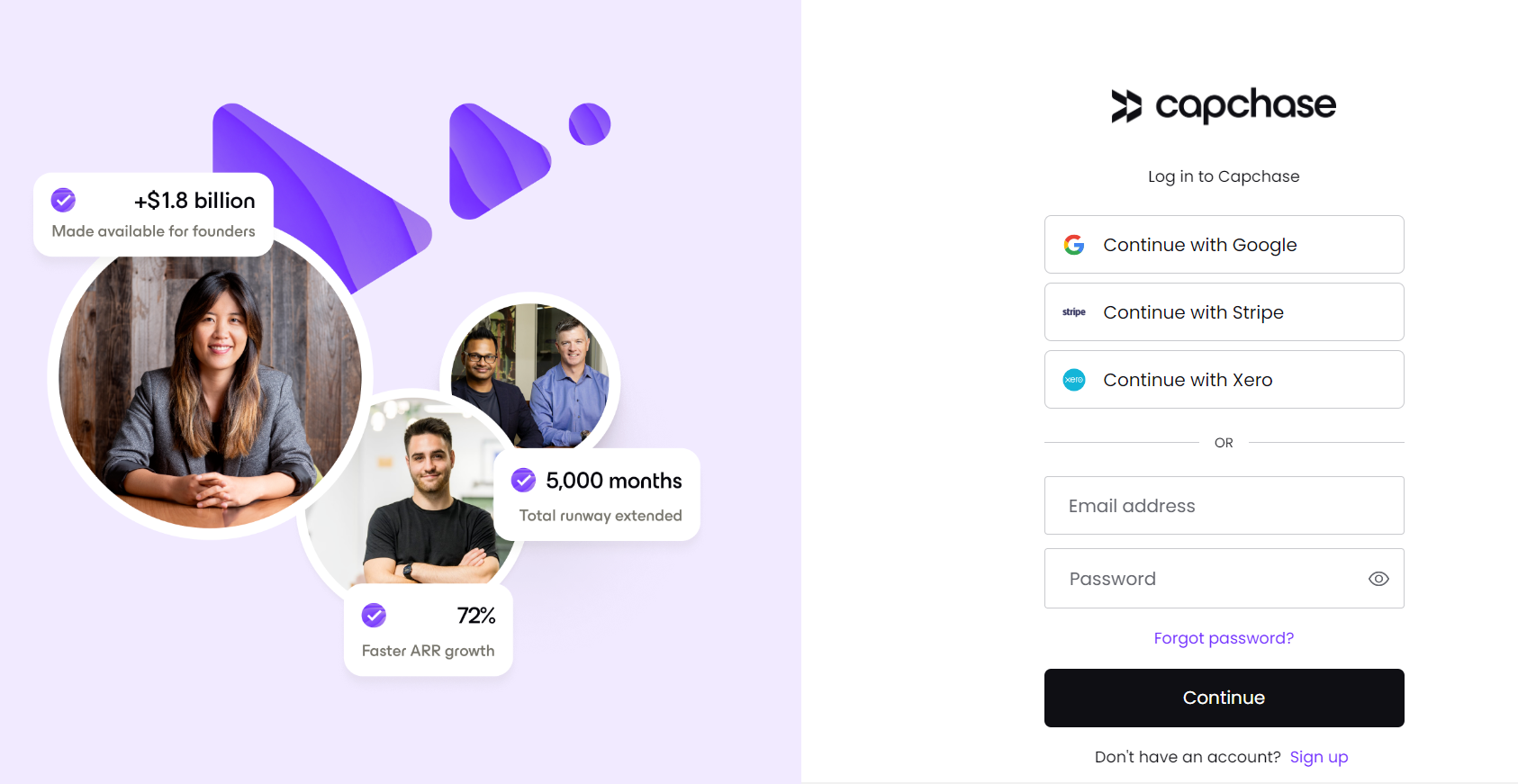
If you are using your email address and a password to log in to the Capchase App, you can change your password by clicking “Forgot password?” on the login screen. To view this option, you must first log out of the Capchase platform.
Once you enter your email address and click Continue, we will send you instructions to reset your password.
Pro tip: If you are not receiving a password recovery email, you most likely set up your login using your Google, Stripe, or Xero account. In this case, try using one of them to log in.
For any questions, please reach out to us at support@capchase.com.