Managing Orders by Status
Last updated: April 30, 2026
You can easily manage all your deals directly in the App, tracking payment link completions, failed payments, delinquent buyers, and renewals. From the initial order draft to final completion, there are many steps involved. For more information, see this article.
Orders' statuses
You can keep track of and edit existing deals on your ‘All Orders’ tab. Here, you can see the status of each deal, edit the service details for the ones that haven't been completed yet, and copy the Payment Link again to send to your Buyer.
To do this, go to the ‘All Orders’ section on the left-hand menu, and click to see the deals' status. There are 5 different statuses:
Created: Here you will find all the created orders that have not been completed by the buyers yet
Starts Soon: These are the orders for which the buyers have already completed the Payment Link and have a future first charge date. Deals in which the first payment is being processed will also appear in this tab.
Active: All orders with active payments are presented here. Deals in which the buyer has failed payments will also show in this tab.
Ends Soon: All orders listed in this tab will have their last payment due within the next 60 days. You can go to this page to renew deals.
Completed: Deals that were fully paid will show in this tab.
Drafts: These are the orders that were started to be created, but which are still missing service details before sending the payment link to the buyer
Orders' sub-statuses
In each tab, each order also has a sub-status that details where it is in each phase. See what they mean:
Created
Created: A fresh order! The order was just created, and the payment link has not been seen by the buyer yet
Opened: The buyer has opened the payment link, but didn't move through any steps
Details Submitted: Buyer has completed the first step on the payment link, adding the company details.
Payment Added: Buyer has added a payment method to the payment link
Expired: The buyer's qualification has expired. You must requalify the buyer before they can proceed with the payment link.
Starts Soon
Starts in XX days: Payment link is completed, and the first charge will be taken in XX days.
Processing: The first repayment or credit is being processed.
Active
Active: All good with this order! Payments are current.
Payment failed: The most recent payment failed, and we are working with the buyer to redraft it.
Delinquent: The buyer has missed one or more payments for more than 30 days.
Ends Soon
Ends in XX days: the deal is current and will end in XX days.
Completed
Recently ended: Order is fully paid, and the last payment was made within the last 30 days. At this point, some orders will show the option to renew the deals.
Concluded: Order is fully paid.
Cured: This deal was cured by the Vendor.
The renew button will appear for the orders in which the buyers have not been delinquent at any point, and that are within 60 days (past or future) of the last charge date.
Pro Tip
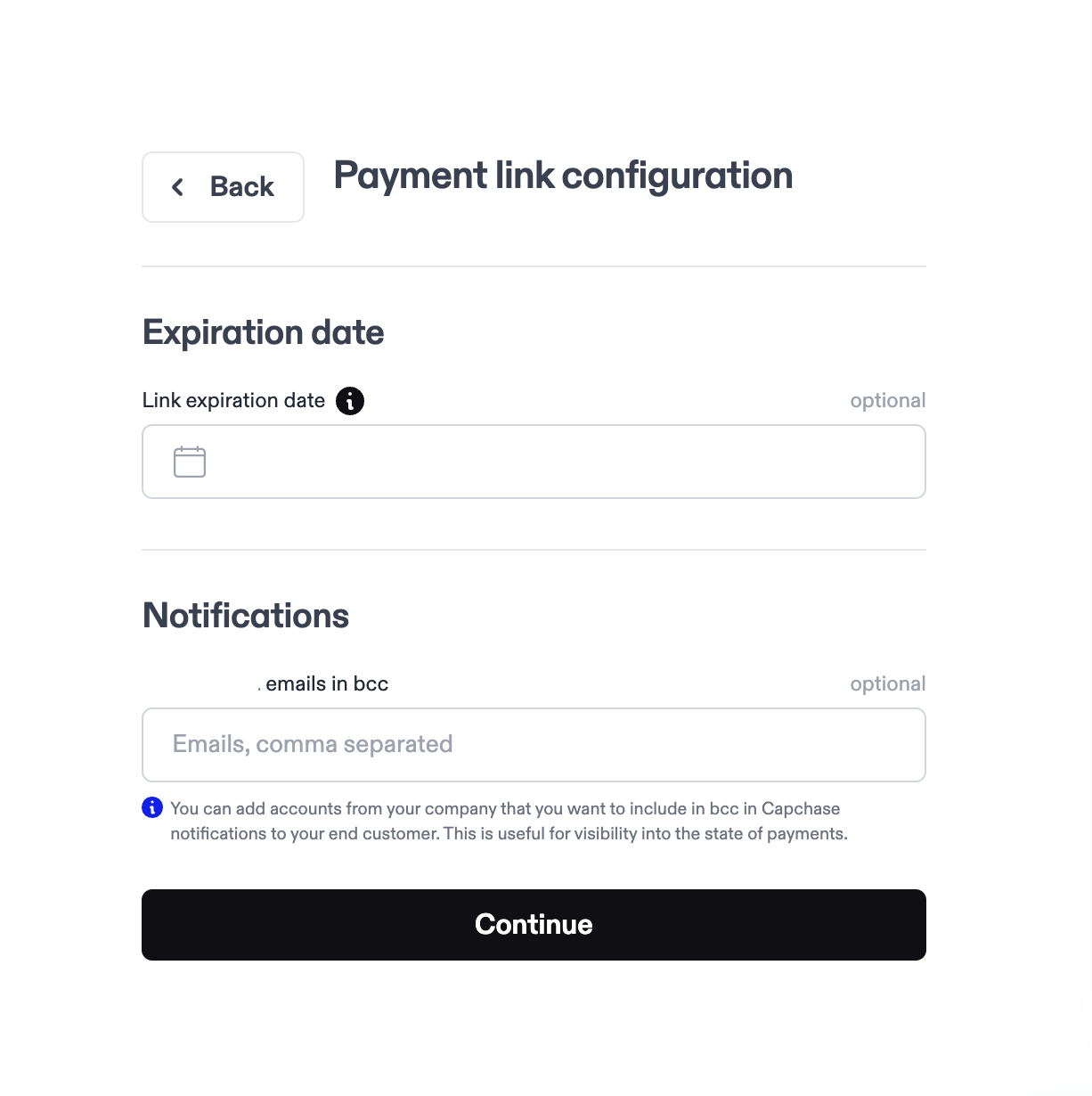
You can add different email addresses to receive deal updates. You can configure the emails that will receive notifications while creating a new deal. Include all the emails on the ‘Notifications’ field, separated by a comma.
If you have any questions, don’t hesitate to send us a message at support@capchase.com.